QR Code
See also
This is the generation-time override. To author a QR code layer's full schema at import time, see Design Import → Layer Types → QR Code.
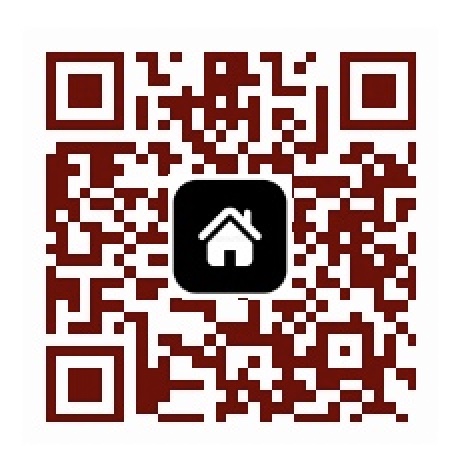
A QR code element renders a scannable QR code from any string payload — typically a URL. You can optionally overlay a centered icon image for branding (e.g. a company logo).
The QR code uses a fixed high error-correction level to ensure scannability even when an icon covers part of the code. If image_url is set, the icon is shown automatically; set hide_icon: true to remove it without removing the URL from the layer configuration.
Available properties
| Property | Description |
|---|---|
payload | String. Content encoded in the QR code |
background_color | Background color. Hex or CMYK, no gradient — see Colors & Gradients. |
foreground_color | Foreground color (the squares). Hex or CMYK, no gradient — see Colors & Gradients. |
image_url | HTTP(s) URL of an icon displayed in the middle of the QR code. Max 20 MB. Supported: jpeg, jpg, png, webp, svg, gif, tiff, tif, avif |
hide_icon | Boolean. Hides the icon if true |
Example
json
{
  "payload": "https://mycompany.com/landing",
  "background_color": "#f0f4ff",
  "foreground_color": "#1b4550"
}
With icon:
json
{
  "payload": "https://mycompany.com/landing",
  "background_color": "#fdfdfd",
  "foreground_color": "#750000",
  "image_url": "https://mycompany.com/icon.jpeg"
}