
Layers: two contexts, one set of kinds
Every design is built from the same handful of layer kinds — text, image, logo, shape, button, rating, qrcode, illustration, and (import-time only) group. Depending on what you're doing with the API, you'll land on one of two different reference sets for those kinds:
| Context | You already have | You're doing | Reference |
|---|---|---|---|
| Generation-time | An existing design | Overriding specific layer values for one render — swap an image, change a color, fill in text | Generation → Element Properties |
| Import-time | Nothing yet, or a full structure to author | Creating a design from scratch via JSON — declaring every layer, its layout, and its full property set | Design Import → Layer Types |
One type in a read response is neither: container. It is the design's own root wrapper, and it shows up in GET /designs/{designId} alongside your layers. You cannot author it, override it or import it — skip it when you walk an element tree.
Do not assume a field name or constraint on one side holds on the other. The two schemas evolve independently — Design Import is in Alpha and can change, while Element Properties is the stable, longer-standing surface — so check the specific page.
Why they aren't the same schema
- Import authors structure, generation overrides values. At import time you declare
layout(position/size) and the completepropertiesobject for every layer. At generation time the design already has that structure — you're only sending the subset of properties you want to change for this render. - Import has layer kinds generation doesn't.
group(and masking a group) only make sense when you're building layer structure, so it has no generation-time counterpart — there's nothing to "override" on a container. - Import carries print/CMYK and multi-format authoring concerns. Physical units, CMYK color tokens, and per-format
layout/propertieskeying are all import-time concerns tied to creating formats. Generation-time overrides apply to a specific already-rendered format and don't need that machinery.
Finding the right page for a layer kind
Every kind, as it renders. Each card links to both pages: create the layer from JSON, or change its values per render.
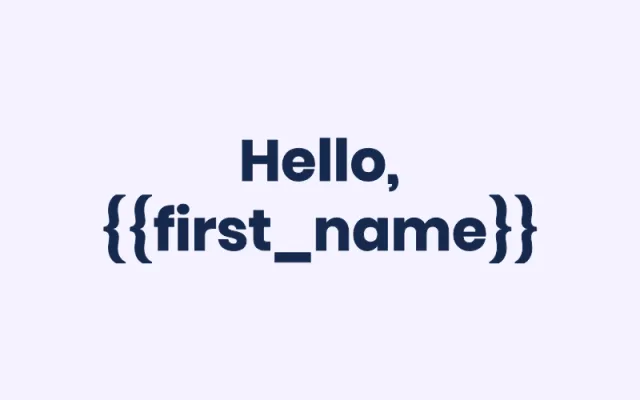
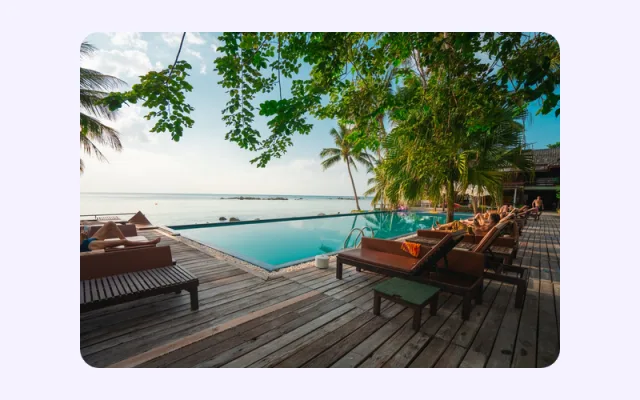








Each per-type page cross-links to its counterpart:
| Kind | Generation-time (override) | Import-time (author) |
|---|---|---|
| Text | Element Properties → Text | Layer Types → Text |
| Image | Element Properties → Image | Layer Types → Image |
| Logo | Element Properties → Logo | Layer Types → Logo |
| Shape | Element Properties → Shape | Layer Types → Shape |
| Button | Element Properties → Button | Layer Types → Button |
| Rating | Element Properties → Rating | Layer Types → Rating |
| QR Code | Element Properties → QR Code | Layer Types → QR Code |
| Illustration | Element Properties → Illustration | Layer Types → Illustration |
| Group | — (import-only) | Layer Types → Group |
| Video | Element Properties → Video | Declared inline as part of Animated Imports |
| Audio | Element Properties → Audio | Declared inline as part of Animated Imports |
| Root / background | Element Properties → Root | Declared as formats[].background_color on Create Import |